
Rocket Manufactory
More actions
 | |
| Fabrication | |
|---|---|
| Created with | Autolathe (Tier One) |
| Cost | 120 Time, 12000 Energy, 20g Iron, 2g Gold, 10g Copper |
| Temperature | |
| Flashpoint | 373K (100°C) |
| Autoignition | 573K (300°C) |
| Other properties | |
| Paintable | Yes |
| Stack Size | 1 |
| Prefabs | |
| Prefab Hash | -636127860 |
| Prefab Name | ItemKitRocketManufactory |
 | |
| Contruction | |
|---|---|
| Constructed from | Kit (Rocket Manufactory) |
| Placed on | Small Grid |
| Temperature | |
| Flashpoint | 373K (100°C) |
| Autoignition | 573K (300°C) |
| Other properties | |
| Paintable | Yes |
| Power Usage | 100W (Base) |
| Prefabs | |
| Prefab Hash | 1781051034 |
| Prefab Name | StructureRocketManufactory |
Description
Versions
There is only one version of the Rocket Manufactory.
| Tier | Creation | Energy Cost | Material Cost | Build Time | |||
|---|---|---|---|---|---|---|---|
| Tier One | x1 | x1 | x1 | x1 | |||
| Update 0.2.4677.21598 - Thu 21/12/2023 | |||||||
Interfaces
Manual
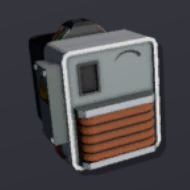
The Rocket Manufactory has a red switch for turning in on or off. Additional to that there is a lever you can pull. While it is pulled all of the stored ingots in the machine are forced out of the item port. Lastly the machine has a touchscreen where you can switch/browse through the available recipies and start/stop the fabrication of the selected item.
Chutes/Items
The Rocket Manufactory has two slots for items. Both of those ports can be interacted by using Chutes. On the left side is the input which only accepts Ingots. The port on the right side is used for exporting fabricated items - which happens automatically - and the stored ingots.
Cables
The Rocket Manufactory has two connection points for cables. Standing in front of the machine the right port is for energy and the left port is for the Data Network.
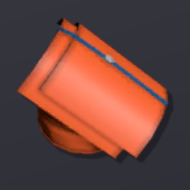
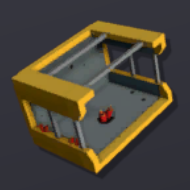
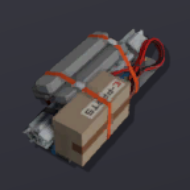
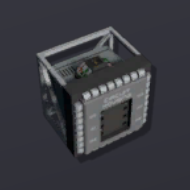
Recipes
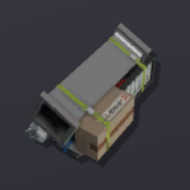
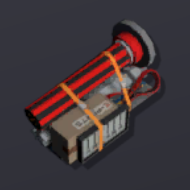
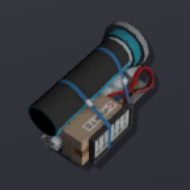
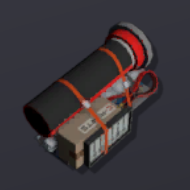
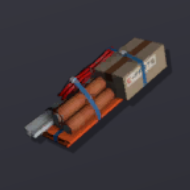
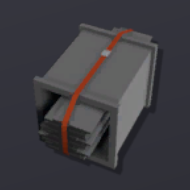
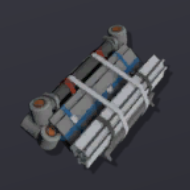
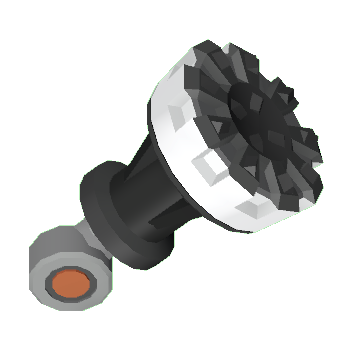
Expand to see the recipes.
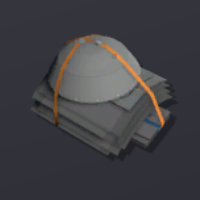


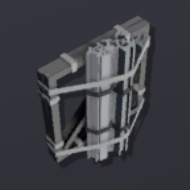
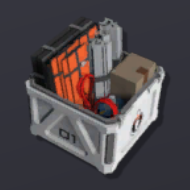




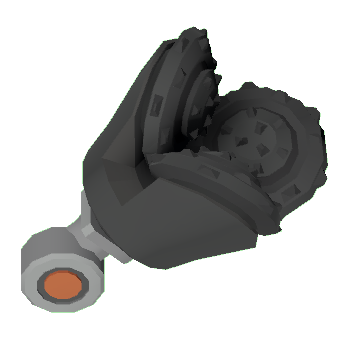
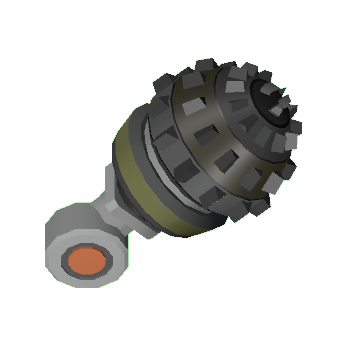
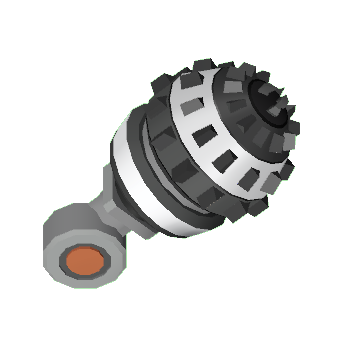
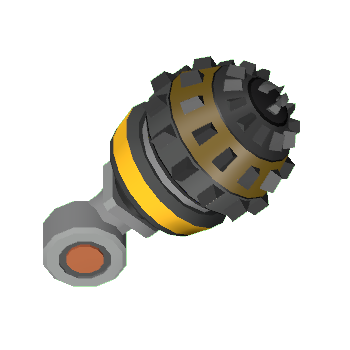


Data Network Properties
Expand to see the data network properties.
Input Data (Write)
These are all parameters, that can be written to with different means of using logic.
| Parameter Name | Data Type | Value | Description |
|---|---|---|---|
| On | Boolean | 0 | Turns the device off. Also toogles the switch accordingly. |
| 1 | Turns the device on. Also toogles the switch accordingly. | ||
| Open | Boolean | 0 | Stops purging of stored materials in the structure. Also resets the lever accordingly. |
| 1 | Starts purging of stored materials in the structure. Also pulls the lever accordingly. Without powering the structure it won't purge anything. | ||
| Activate | Boolean | 0 | Writing a 0 to the device stops the construction of the chosen item. |
| 1 | Writing a 1 to the device starts the construction of the chosen item. If there are not enough materials inside the structure it will starts to fabricate the item anyway but won't fabricate the item and won't consume any stored ressources. | ||
| Lock | Boolean | 0 | Allows manual interaction with the structure. |
| 1 | Completely blocks any manual interaction with the structure. This doesn't inculdes interaction by logic. | ||
| ClearMemory | Boolean | 0 | Writing a 0 to a structure doesn't have any impact. |
| 1 | Clears the counter memory. Will set itself back to 0 when actioned | ||
| RecipeHash | Integer | Sets the machine to the recipe corresponding to the written hash number. | |
| Update 0.2.4677.21598 - Fri 29/12/2023 /Data_Network | |||
Output Data (Read)
These are all parameters, that can be read by using different means of logic.
| Parameter Name | Data Type | Value | Description |
|---|---|---|---|
| On | Boolean | 0 | The Rocket Manufactory is not powered. This is the same as the physical red powerswitch located on the structure. |
| 1 | The Rocket Manufactory is powered. This is the same as the physical red powerswitch located on the structure. | ||
| Open | Boolean | 0 | Output of the Rocket Manufactory is closed. This is the same as the physical lever located on the structure. |
| 1 | Output of the Rocket Manufactory is opened. This is the same as the physical lever located on the structure. | ||
| Activate | Boolean | 0 | The structure is currently producing nothing. |
| 1 | The structure is currently producing something. | ||
| Lock | Boolean | 0 | 1 if device is locked, otherwise 0, can be set in most devices and prevents the user from access the values. |
| 1 | 1 if device is locked, otherwise 0, can be set in most devices and prevents the user from access the values. | ||
| Power | Boolean | 0 | Can be read to return if the device is correctly powered or not, set via the power system, return 1 if powered and O if not. |
| 1 | Can be read to return if the device is correctly powered or not, set via the power system, return 1 if powered and O if not. | ||
| Error | Boolean | 0 | 1 if device is in error state, otherwise 0. |
| 1 | 1 if device is in error state, otherwise 0. | ||
| RecipeHash | Integer | Current hash of the recipe the device is set to produce | |
| Reagents | Integer | Total number of reagents inside the device (e.g. 92g of iron = 92) | |
| RequiredPower | Integer | Idle operating power quantity. That does not include extra demand power for recipes. | |
| CompletionRatio | Integer | How complete the current production is for this device, bewteen 0 and 1 | |
| ExportCount | Integer | How many items exported since last ClearMemory. This count is based on every ouput stack of items (e.g. 1 item and 12g of iron =2) | |
| ImportCount | Integer | How many items imported since last ClearMemory. The count is based on stacks (e.g. 92g of iron in on stack = 1) | |
| PrefabHash | Integer | The hash of the structure | |
| Referenceld | Integer | Unique Reference Identifier for this object | |
| Update 0.2.4677.21598 - Fri 29/12/2023 /Data_Network | |||
Build States
Expand to see the build states.
| Stage | Image | Relevant item | Tool for construction | Tool for deconstruction |
|---|---|---|---|---|
| 1 | 
|
1x Kit (Rocket Manufactory) | none | Wrench |
| 2 | 
|
2x Steel Sheets | Welding Torch | Angle Grinder |
| 3 | 
|
4x Cable Coil | none | Wire Cutters |
| 4 | 
|
2x Plastic Sheets | Welding Torch | Angle Grinder |
| 5 | 
|
none | Screwdriver | Hand Drill |
| Update 0.2.4677.21598 - Thu 21/12/2023 /Build_States | ||||