
Autolathe
More actions
<languages /> <translate>
 | |
| Properties | |
|---|---|
| Stacks | No |
| Recipe | |
| Created With | Autolathe |
| Cost | 20g Iron, 2g Gold, 10g Copper |
 | |
| Operation | |
|---|---|
| Power Usage | 100W + Recipe Usage |
| Construction | |
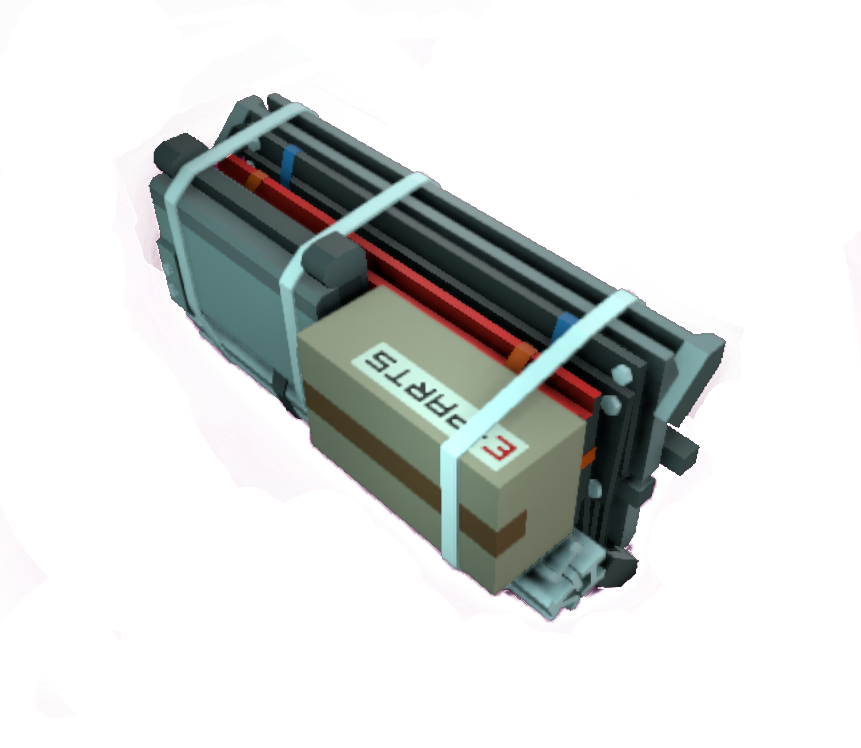
| Placed with | Kit (Autolathe) |
| Placed on | Small Grid |
 | |
| Operation | |
|---|---|
| Power Usage | 100W + Recipe Usage |
| Construction | |
| Placed with | Kit (Autolathe) |
| Placed on | Small Grid |
Description
Used to craft a variety of items.
Takes ingots in the left and spits product out of the right. Power button toggles machine power state. Lever will eject materials inside if machine is powered. Arrow buttons select recipe, push the square button in between to craft/stop crafting. Magnifying glass button below the craft button opens a search interface for easier recipe selection.
The Autolathe can be upgraded to a Tier Two version by using its respective Mod Kit and a Welder on it.
Note: The machine will continue to craft until the button is pushed again, the entire machine is turned off, or in case it loses power.
If you want to craft only a single item unattended, start the craft and press any of the arrow buttons.
"The foundation of most Stationeer fabrication systems, the ExMin autolathe is a multi-axis molecular compositional system. Its complexity demands considerable time to assemble, but it remains an indispensable creation tool. Upgrade the device using a Autolathe Printer Mod for additional recipes and faster processing speeds."
- Stationpedia
Data Network Properties
These are all Data Network properties of this device. Expand to see the properties.
Data Parameters
These are all parameters that can be written with a Logic Writer, Batch Writer, or Integrated Circuit (IC10).
| Parameter Name | Data Type | Description |
|---|---|---|
| Open | Boolean | Opens the Autolathe, when set to 1. Closes the Autolathe, when set to 0. |
| Activate | Boolean | Activates the Autolathe, when set to 1 Note: This can cause a minor bug to occur. (See Bugs). Does not deactivates the Autolathe, when set to 0, you have to set On to 0 instead. |
| On | Boolean | Turns the Autolathe on, when set to 1. Turns it off, when set to 0. |
| ClearMemory | Boolean trigger | Writing on this Parameter will reset the ExportCount and ImportCount values to zero. |
| RecipeHash | Integer | Set machine to recipe Number is calculated using hash on prefabname |
| Lock | Boolean | Does nothing. |
Data Outputs
These are all parameters, that can be read with a Logic Reader or a Slot Reader. The outputs are listed in the order a Logic Reader's "VAR" setting cycles through them.
| Output Name | Data Type | Description |
|---|---|---|
| Power | Boolean | Returns whether the Autolathe is turned on and receives power. (0 for no, 1 for yes) |
| Open | Boolean | Returns whether the Autolathe is open. (0 for no, 1 for yes) |
| Error | Boolean | Returns whether the Autolathe is flashing an error. (0 for no, 1 for yes) |
| Activate | Boolean | Returns whether the Autolathe is active. (0 for no, 1 for yes) |
| Reagents | Integer | Returns the total amount of all contents, in the Autolathe, in grams. |
| On | Boolean | Returns whether the Autolathe is on. (0 for no, 1 for yes) |
| ImportQuantity | (Unknown) | (Unknown) |
| ImportSlotOccupant | Boolean | Returns whether there is something in the Autolathe import slot. (0 for no, 1 for yes) This outputs 1 only briefly, every time something is inserted in the Autolathe. |
| ExportQuantity | Integer | Returns how many items are in the export slot. This will usually only briefly turn 1, shortly before dropping something out of the export slot. |
| ExportSlotOccupant | Boolean | Returns whether there is something in the Autolathe export slot. (0 for no, 1 for yes) This will usually only briefly turn 1, shortly before dropping something out of the export slot. |
| RequiredPower | Integer | Returns the current amount of power, required by the Autolathe, in Watts. Note: This will not update when active (See Bugs). |
| RecipeHash | Integer | Reads recipehash of selected recipe Number is calculated using hash on prefabname |
Versions/Tiers
| Tier | Creation | Energy Cost | Material Cost | Build Time |
|---|---|---|---|---|
| Tier One | x1 | x1 | x1 | x1 |
| Tier Two | x1 | x1,1 | x1 | x0,66 |
| Update 0.2.4677.21598 - Fri 29/12/2023 /Tiers | ||||
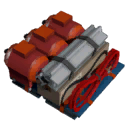
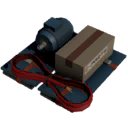
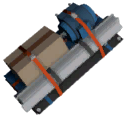
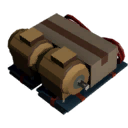
Recipes















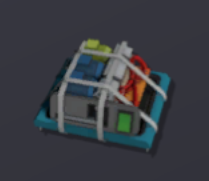
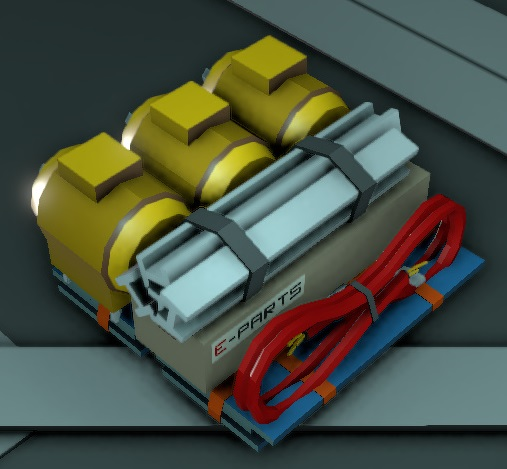











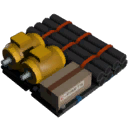
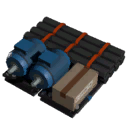


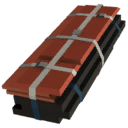
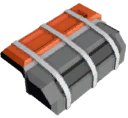







Data Network Properties
Input Data (Write)
These are all parameters, that can be written to with different means of using logic.
| Parameter Name | Data Type | ValueAutolathe | Description |
|---|---|---|---|
| On | Boolean | 0 | Turns the device off. Also toggles the switch accordingly. |
| 1 | Turns the device on. Also toggles the switch accordingly. | ||
| Open | Boolean | 0 | Stops purging of stored materials in the structure. Also resets the lever accordingly. |
| 1 | Starts purging of stored materials in the structure. Also pulls the lever accordingly. Without powering the structure it won't purge anything. | ||
| Activate | Boolean | 0 | Writing a 0 to the device stops the construction of the chosen item. |
| 1 | Writing a 1 to the device starts the construction of the chosen item. If there are not enough materials inside the structure it will starts to fabricate the item anyway, but won't actually produce the item and won't consume any stored resources. | ||
| Lock | Boolean | 0 | Allows manual interaction with the structure. |
| 1 | Completely blocks any manual interaction with the structure. This doesn't inculdes interaction by logic. | ||
| ClearMemory | Boolean | 0 | Writing a 0 to a structure doesn't have any impact. |
| 1 | Clears the counter memory. Will set itself back to 0 when actioned. | ||
| RecipeHash | Integer | Sets the machine to the recipe corresponding to the written hash number. | |
| Update 0.2.4677.21598 - Fri 29/12/2023 /Data_Network | |||
Output Data (Read)
These are all parameters, that can be read by using different means of logic.
| Parameter Name | Data Type | Value | Description |
|---|---|---|---|
| On | Boolean | 0 | The Autolathe is not powered. This is the same as the physical red powerswitch located on the structure. |
| 1 | The Autolathe is powered. This is the same as the physical red powerswitch located on the structure. | ||
| Open | Boolean | 0 | Output of the Autolathe is closed. This is the same as the physical lever located on the structure. |
| 1 | Output of the Autolathe is opened. This is the same as the physical lever located on the structure. | ||
| Activate | Boolean | 0 | The structure is currently producing nothing. |
| 1 | The structure is currently producing something. | ||
| Lock | Boolean | 0 | 1 if device is locked, otherwise 0, can be set in most devices and prevents the user from access the values. |
| 1 | 1 if device is locked, otherwise 0, can be set in most devices and prevents the user from access the values. | ||
| Power | Boolean | 0 | Can be read to return if the device is correctly powered or not, set via the power system, return 1 if powered and O if not. |
| 1 | Can be read to return if the device is correctly powered or not, set via the power system, return 1 if powered and O if not. | ||
| Error | Boolean | 0 | 1 if device is in error state, otherwise 0. |
| 1 | 1 if device is in error state, otherwise 0. | ||
| RecipeHash | Integer | Current hash of the recipe the device is set to produce. | |
| Reagents | Integer | Total number of reagents inside the device (e.g. 92g of iron = 92). | |
| RequiredPower | Integer | Idle operating power quantity. Does not include extra power demanded during recipe fabrication. | |
| CompletionRatio | Integer | How complete the current production is for this device, between 0 and 1. | |
| ExportCount | Integer | How many items exported since last ClearMemory. This count is based on every ouput stack of items (e.g. 1 item and 12g of iron = 2). | |
| ImportCount | Integer | How many items imported since last ClearMemory. The count is based on stacks (e.g. 92g of iron in on stack = 1). | |
| PrefabHash | Integer | The hash of the structure. | |
| Referenceld | Integer | Unique Reference Identifier for this object. | |
| Update 0.2.4677.21598 - Fri 29/12/2023 /Data_Network | |||
Build States
| Stage | Image | Relevant item | Required tool (construction) |
Required tool (deconstruction) |
|---|---|---|---|---|
| 1 | 
|
1x Kit (Autolathe) | none | Wrench |
| 2 | 
|
2x Iron Sheets | Welding Torch | Angle Grinder |
| 3 | 
|
4x Cable Coil | none | Wire Cutters |
| 4 | 
|
2x Plastic Sheets | Welding Torch | Angle Grinder |
| 5 | 
|
none | Screwdriver | Hand Drill |
| 6 | 
|
Autolathe Printer Mod | Screwdriver | Hand Drill |
| Update 0.2.4677.21598 - Fri 29/12/2023 /Build States | ||||
Bugs
- Setting the "Activate" parameter to 1, can cause the Autolathe to activate, even when it is empty. Nothing is dropped from the output, once the production is finished in this case and the Autolathe will stop after one production run.
- The "RequiredPower" output only ever outputs 5, when the Autolathe is turned on, 0 otherwise. It does not take into account the raised power required when active. (Still present in version 0.1.1234.6112)
</translate>